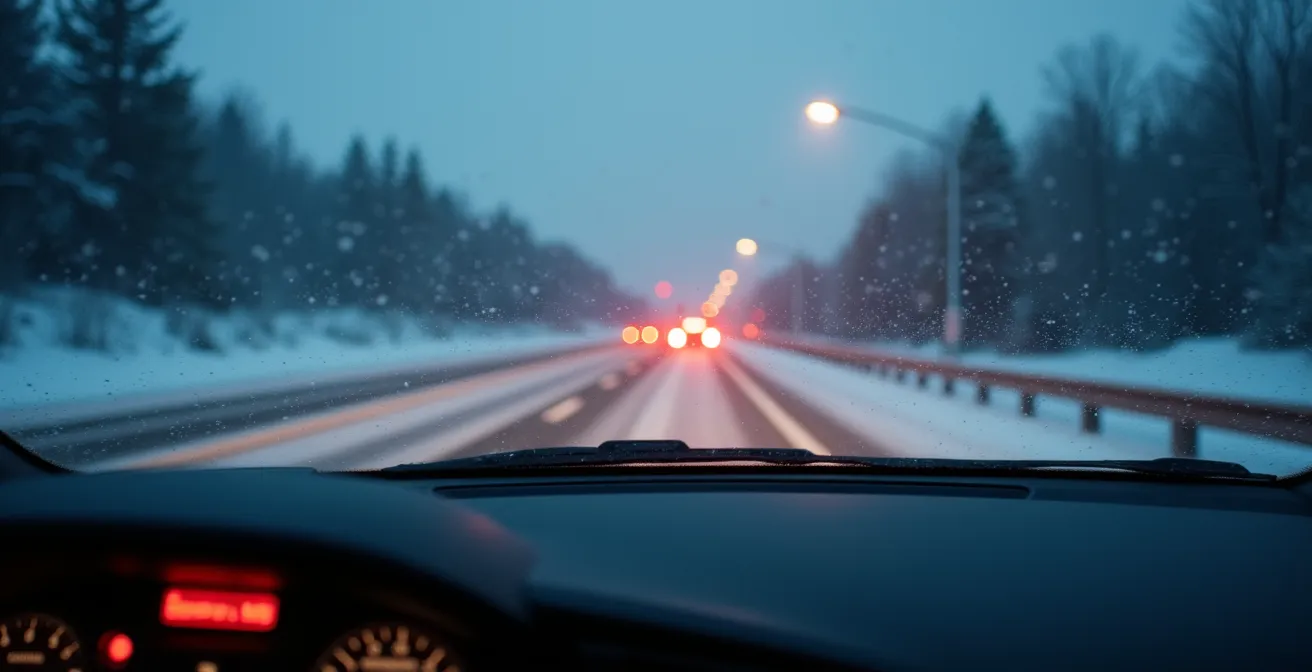
Your car’s Lane Keeping Assist isn’t broken; it was simply not designed for the harsh reality of Quebec roads.
- The system’s “brain,” trained on perfect Californian roads, gets confused by faded lines, salt residue, and conflicting construction markings common in Quebec.
- Winter conditions like snow and ‘poudrerie’ cause “contrast starvation,” making the camera effectively blind to lane markings.
Recommendation: Instead of fighting the technology, learn to anticipate its predictable failures. Know when to disable it and how to use other safety systems like ESC to remain in full control.
There’s a specific kind of frustration every Quebec driver with a modern car knows. You’re cruising on the highway, a light snow is falling, and suddenly your steering wheel gives a sharp, unwarranted nudge. The Lane Keeping Assist (LKA) system, a feature meant to provide safety and comfort, has just tried to steer you into a snowbank or is vibrating erratically because it can’t find a line to follow. You might think the system is faulty or that you just need to clean the sensors. While cleaning helps, the root of the problem is far deeper.
Most Advanced Driver-Assistance Systems (ADAS) are developed and trained in ideal conditions: clear weather, perfect infrastructure, and crisp, bright lane markings. They are, in essence, equipped with a “Californian brain” attempting to interpret the chaotic and low-contrast canvas of a Quebec road. The constant battle with snow, salt spray, rapidly fading paint, and endless, confusing construction zones creates a scenario the system was never truly built for. It’s not a malfunction; it’s an algorithmic collision between the AI’s expectations and our province’s reality.
This isn’t a critique of the technology itself, but a guide to understanding its limitations. Instead of being a passive and annoyed passenger in your own car, you can become an informed pilot. By understanding precisely *why* and *when* your LKA will fail, you can anticipate its errors, know when to deactivate it, and learn to work in synergy with the car’s other safety features, like Electronic Stability Control, to navigate Quebec’s toughest conditions with confidence.
This guide will deconstruct the common failures of Lane Keeping Assist in the specific context of Quebec’s infrastructure and climate. We’ll explore the critical differences between systems, identify high-risk scenarios, and provide clear, actionable steps to ensure you remain the one in control.
Summary: Understanding and Mastering Your Car’s Lane Assist in Quebec
- Why You Must Turn Off Lane Assist During a Snowstorm?
- Lane Keep vs Lane Centering: Which One Actually Steers for You?
- The Construction Zone Hazard: When LKA Follows Old Lines Into a Wall
- How to Quickly Turn Off Lane Assist on curvy country roads?
- When to Clean Your Windshield Camera to Fix LKA Errors?
- Lane Warning vs Lane Keeping: What Is the Difference in Hardware?
- How to Spot and Dodge Black Ice on Highway 20 Without Losing Control?
- How to Use Electronic Stability Control to correct a drift on ice?
Why You Must Turn Off Lane Assist During a Snowstorm?
During a Quebec snowstorm, your Lane Keeping Assist system is not your co-pilot; it’s a liability. The primary reason is a concept called “contrast starvation.” The system’s camera relies on a clear, high-contrast difference between the dark asphalt and the white or yellow lane markings. Snow, slush, and especially the fine mist of ‘poudrerie’ completely obliterate this contrast. The camera sees a uniform, low-detail white or grey surface, leaving the AI with no data to process. It’s not just that the lines are covered; the entire visual field lacks the necessary information for the algorithm to function.
Furthermore, the aggressive use of salt and abrasives on our roads creates another problem. Even when a faint line is visible through a thin layer of slush, the surrounding asphalt is often caked in a greyish-white film of dried salt, dramatically reducing the contrast. The system might try to follow a track left by a previous vehicle or a ridge in the snow, leading to erratic and dangerous steering inputs. The Quebec Ministry of Transport actively monitors road conditions to optimize snow and ice removal, but even their best efforts can’t guarantee the clear markings LKA systems require.
In these conditions, an amber warning light on your dashboard is a clear signal: the system is either blind or confused. Trusting it is a gamble. The safest action is to proactively disable LKA as soon as visibility drops or accumulation begins, and rely on your own judgment. The system is a fair-weather friend, and a Quebec winter is its greatest foe.
Lane Keep vs Lane Centering: Which One Actually Steers for You?
The frustration many drivers feel stems from a misunderstanding of what their car is actually trying to do. “Lane Assist” is a generic marketing term, but it covers two fundamentally different technologies: Lane Keep Assist (LKA) and Lane Centering. Knowing which one your vehicle has is key to predicting its behaviour, especially on imperfect Quebec roads. Lane Keep Assist is reactive; it only provides a gentle nudge back into your lane when it detects you are about to drift over a line. Think of it as a rumble strip simulator. It does not actively steer the car.
Lane Centering, on the other hand, is proactive. It provides continuous, gentle steering inputs to keep the vehicle in the middle of the lane. This system offers a more “semi-autonomous” feel, but it’s also the one most likely to “ping-pong” between faded or unclear markings in a frustrating attempt to find a center that doesn’t exist. On a freshly painted highway in summer, it’s brilliant. On a worn-down rural road after a winter of scraping and salt, it can be a nuisance.
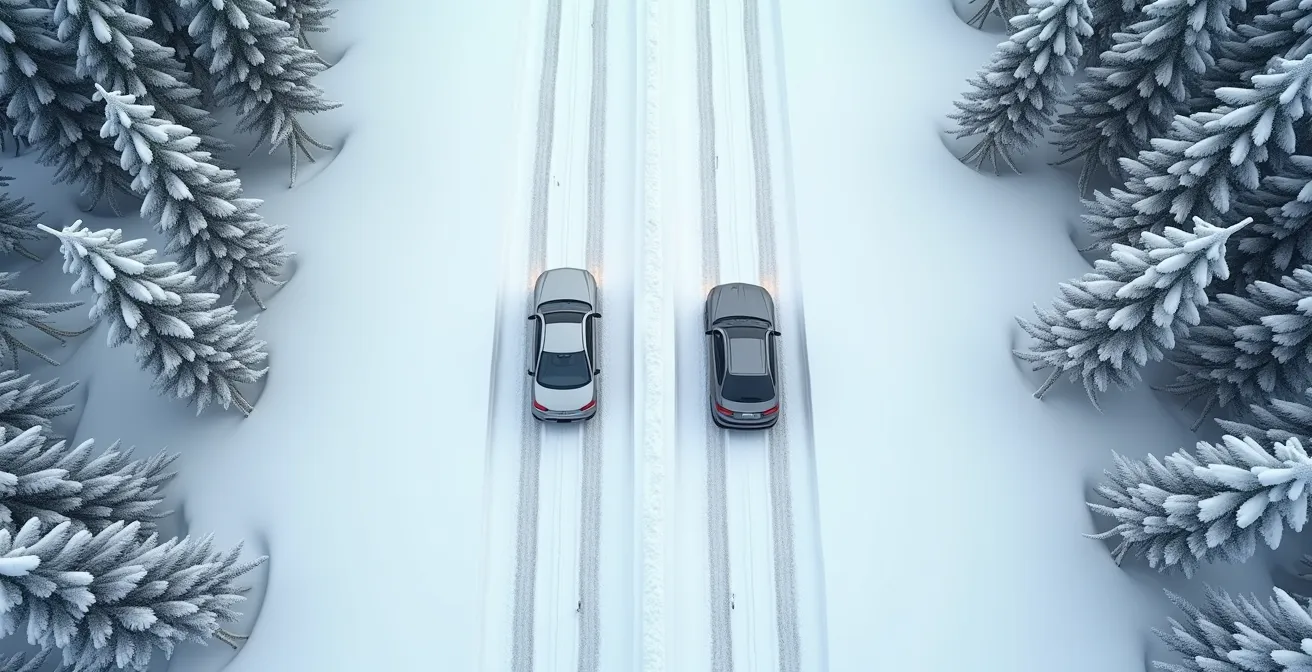
The table below breaks down the key operational differences. Notice how Lane Centering requires a higher activation speed and offers more continuous intervention, making it more intrusive when it misinterprets the road. For many Quebec drivers, a simpler LKA system is often less annoying in day-to-day use because its interventions are brief and only occur at the lane’s edge.
| Feature | Lane Keep Assist | Lane Centering |
|---|---|---|
| Activation Speed | 37-59 km/h minimum | 49-70 km/h minimum |
| Steering Input | Brief corrective nudge only | Continuous gentle steering |
| System Response | Activates near lane edge | Maintains center position |
| Driver Override | Light resistance disengages | Requires firmer input |
| Quebec Winter Performance | Less intrusive on faded lines | May ping-pong between unclear markings |
The Construction Zone Hazard: When LKA Follows Old Lines Into a Wall
Quebec’s ubiquitous construction zones are a nightmare scenario for Lane Keeping Assist systems. These environments represent a perfect storm of “algorithmic collision,” where the AI’s rigid logic clashes with chaotic, conflicting data. The system is trained to find and follow lines, but it lacks the human ability to discern context. It cannot tell the difference between a new, temporary yellow line, the faint ghost of an old white line that’s been ground off, and a tar snake sealing a crack in the pavement. To the camera, they are all just lines.
This leads to one of the most dangerous LKA failures: the system confidently follows a defunct lane marking straight towards a concrete barrier or into an oncoming traffic lane that has been temporarily rerouted. The driver is then forced to actively fight the steering wheel, adding a significant cognitive load in an already high-stress environment. As noted by experts, this dual task of navigating a complex zone while wrestling with a malfunctioning safety feature increases risk. As Transport Safety Analysis highlights in its research for Transport Canada:
In a complex Montreal construction zone, the driver is already overloaded. Having to simultaneously fight a malfunctioning LKA system increases risk and stress exponentially.
– Transport Safety Analysis, Winter Driving Safety Research
The problem is not rare. Research has shown that even in clear weather, these systems are far from infallible. Automotive researchers found that over 4,000 miles, ADAS systems like LKA experienced some type of issue every eight miles. In a Quebec construction zone, that frequency can feel much higher. The only safe protocol is to disable LKA entirely upon seeing the first orange cone.
How to Quickly Turn Off Lane Assist on curvy country roads?
Knowing how to disable Lane Keeping Assist quickly and intuitively is a critical driving skill, not a sign of defeat. On winding country roads or during sudden weather changes, you don’t have time to fumble through menus on a touchscreen. You need a muscle-memory reaction. Thankfully, most manufacturers provide a physical button for this exact purpose, though its location varies.
The icon you’re looking for is almost universally a symbol of a car between two dotted lines. It’s typically located on the steering wheel or on the dashboard to the left of the steering column. For systems that require a menu, it’s often found under a “Driver Assist” or “Vehicle Settings” heading. It’s essential to identify and practice this action while parked before you need it in an emergency. Remember that most lane assist systems activate at a minimum speed of around 59 km/h, so the decision to disable it must often be made at highway speeds.
Becoming familiar with your specific vehicle’s layout is paramount. You should be able to deactivate the system in under three seconds without taking your eyes off the road. This isn’t just for convenience; it’s a fundamental aspect of safely operating a vehicle equipped with ADAS technology.
Your 3-Second Guide to Disabling Lane Assist
- Toyota (e.g., RAV4): Press the LKA button on the left side of the steering wheel (icon shows a vehicle between lines).
- Honda (e.g., Civic): Press and hold the LKAS button on the right steering wheel spoke for one second.
- Ford (e.g., F-150): Use the center console to navigate to Settings > Driver Assist > Lane Keeping System > Off.
- Hyundai (e.g., Kona): Press the dedicated Lane Safety button on the dashboard to the left of the steering column.
- General Tip: In any vehicle, look for the button with the car-between-dotted-lines icon or check the main settings menu under “Driver Assist.”
When to Clean Your Windshield Camera to Fix LKA Errors?
While many LKA failures are due to the “brain’s” confusion, many others are simply a case of the “eyes” being dirty. The system’s primary sensor is a camera mounted high on your windshield, usually near the rearview mirror. Keeping this small patch of glass perfectly clean is non-negotiable for the system to function. In Quebec, this is a year-round battle. In winter, it’s not just snow and ice; it’s the crystalline film of road salt that dries on the glass, scattering light and creating a low-contrast haze that blinds the camera.
In spring and fall, it’s mud spray, and in summer, it’s a constant barrage of bug splatter. Each of these contaminants degrades the camera’s ability to see the lane markings clearly. An amber LKA warning light on your dashboard is often the first and only sign that the camera’s vision is obstructed. You don’t need a special cleaner; a good quality washer fluid and fresh wiper blades are your first line of defense. However, for stubborn salt film or baked-on grime, a manual cleaning with a microfiber cloth and glass cleaner is required.
Think of it as cleaning your eyeglasses. A small smudge can render your vision blurry and useless. For your car’s LKA, the principle is identical. Adopting a regular cleaning schedule based on the season is the most effective preventative maintenance you can perform.

Your Quebec Seasonal Camera Cleaning Checklist
- Daily in winter: Check for a translucent salt film on the camera area after every highway drive. Clean with washer fluid.
- After snowstorms: Manually clear all snow and ice from the camera area within 30 minutes of parking to prevent a hard ice bond from forming.
- Spring/Fall: Clean off mud spray at least weekly, especially after driving on rural or gravel roads.
- Summer: Remove bug splatter after every long highway trip to prevent it from baking onto the glass.
- Emergency Cleaning: If the amber LKA warning light appears on a clear day, pull over at the next safe location and clean the windshield in front of the camera.
Lane Warning vs Lane Keeping: What Is the Difference in Hardware?
The difference in behaviour between a simple Lane Departure Warning (LDW) and a more active Lane Keeping Assist (LKA) or Centering system is not just software—it’s rooted in fundamentally different hardware. Understanding this helps explain why some systems can only warn you, while others can actively steer, and why the latter is more complex and costly to repair.
A basic LDW system is the simplest. It only needs a single forward-facing camera and a way to alert you, typically through an audible beep or a vibration in the steering wheel. It does not interact with the car’s steering at all. LKA and Lane Centering, however, require a more sophisticated setup. They need not only a more advanced camera with AI processing capabilities but also a direct connection to an Electric Power Steering (EPS) system. This connection is what allows the central computer to send commands to a motor that physically turns the steering wheel.
This hardware difference has significant implications, especially in Quebec’s harsh climate where electronic systems are more prone to failure. Research shows there’s a nearly 30% increased failure rate for ADAS sensors in extremely cold temperatures. A problem with a simple LDW might mean a recalibration, but a fault in an LKA system could involve diagnosing the complex EPS, a much more expensive proposition as shown by typical local repair costs.
| Component | Lane Warning Only | Lane Keeping/Centering |
|---|---|---|
| Camera System | Single forward-facing camera | Multi-purpose camera with AI processing |
| Steering System | No modification needed | Electric Power Steering (EPS) required |
| Computer Processing | Basic image recognition | Advanced algorithms with predictive modeling |
| Actuators | Audio/haptic warning only | Steering motor control or ESP brake intervention |
| Typical Quebec Repair Cost | $200-$400 for recalibration | $500-$1200 including EPS diagnosis |
How to Spot and Dodge Black Ice on Highway 20 Without Losing Control?
Once you’ve wisely disabled your Lane Keeping Assist on a cold day, you are back in full manual control. This is when foundational winter driving skills become paramount, and no skill is more important than spotting and handling black ice. Black ice, or ‘glace noire,’ is so dangerous because it’s nearly invisible. It typically forms when the air temperature hovers just around the freezing mark. As experts from GAC Europe’s Winter Safety Division explain, this is when ice is slickest:
When air temperatures hover around freezing, the ice surface can form a microscopic water film—’wet ice.’ It’s far slicker than deep-freeze, powdery snow.
– GAC Europe Winter Safety Division, Winter Driving Safety Guide
Detecting it requires using all your senses. The most reliable visual cue is a patch of road that looks glossy and wet on a day when it should be dry and frozen. Another powerful indicator is auditory: a sudden silence. If the sound of your tires on the pavement disappears, it likely means they are no longer in contact with the road, but with a sheet of ice. Be especially vigilant in high-risk locations like bridges, overpasses, and shaded areas, which freeze faster than the main roadbed. Along Highway 20, this is particularly true for stretches near the St. Lawrence River where cold, moist air settles.
If you do hit a patch, the response must be calm and deliberate. Do not brake. Do not accelerate. Keep the steering wheel perfectly straight and your eyes focused far down the road on your intended path, not on the ditch. The car will likely wiggle, but as long as you make no sudden inputs, it has a good chance of passing over the ice and regaining traction on its own.
Your Black Ice Detection and Response Plan
- Visual Cue: Look for glossy, dark patches that appear wet on an otherwise dry, cold road (below 0°C).
- Audio Cue: Listen for the sudden disappearance of tire noise. Silence means you’re likely on ice.
- Temperature Check: Be on high alert when your car’s external thermometer reads between -2°C and +2°C.
- Location Awareness: Expect ice first on bridges, overpasses, and in shaded areas, especially near bodies of water like the St. Lawrence River.
- The Golden Rule of Response: If you hit ice, make zero sudden inputs. No braking, no gas, and keep the steering wheel straight. Look where you want to go.
Key takeaways
- Lane Keeping Assist fails in Quebec not because it’s broken, but because it’s designed for ideal road conditions that rarely exist here.
- Snow, salt film, and faded lines cause “contrast starvation,” making the system’s camera blind and leading to erratic behavior.
- Knowing the difference between reactive Lane Keep Assist (nudges) and proactive Lane Centering (steers) is crucial to predicting your car’s actions.
How to Use Electronic Stability Control to correct a drift on ice?
When you’ve done everything right—disabled your LKA and maintained a steady hand over a patch of black ice—sometimes a skid is still unavoidable. This is where your car’s most important winter safety system takes over: Electronic Stability Control (ESC). Unlike LKA, which tries to predict the road, ESC reacts to the car’s actual movement. It’s the silent hero that works to correct a skid before you might even fully register it’s happening.
ESC uses a suite of sensors to compare your steering input (where you want to go) with the vehicle’s actual rotation (where it’s actually going). If it detects a mismatch—the beginning of a front-wheel (understeer) or rear-wheel (oversteer) skid—it intervenes in milliseconds. It does this by automatically applying the brake to one or more individual wheels to pivot the car back into its intended trajectory. This is a crucial distinction: it doesn’t just brake, it uses asymmetrical braking to steer the car.
The most important thing a driver can do is to let the system work. Many drivers have an ingrained habit to pump the brakes or counter-steer wildly, which fights against the ESC’s corrections. When you feel the brake pedal pulsating and hear grinding noises, that is the ABS and ESC systems actively saving you. Your job is to keep steady pressure on the brake (if you need to slow down) and, most importantly, look and steer smoothly toward your escape route. The system will do its best to get you there. Over-reliance on tech is dangerous, as studies show drivers with safety aids often exhibit riskier behaviours, but understanding and trusting the right system, like ESC, is vital.
Your Plan for Working With ESC During a Skid
- Recognize Activation: Feel for a pulsing vibration in the brake pedal and listen for a grinding sound. This is normal; it means the system is working.
- Never Pump the Brakes: Maintain steady, firm pressure on the brake pedal and let the system modulate the braking force on individual wheels for you.
- Look and Steer Smoothly: Your eyes are your most important tool. Look where you want the car to go, not at the obstacle, and provide smooth, deliberate steering inputs in that direction.
- Trust the Correction: Allow the ESC to perform its asymmetrical braking. Don’t fight its intervention with jerky steering.
- Regain Composure: Once the skid is corrected and you have regained control, gently ease off the pedals, reduce your overall speed, and take a moment to assess the ongoing road conditions.
To truly master your vehicle in all conditions, the next logical step is to move from being a reactive driver to a proactive one, armed with the knowledge of when technology helps and when it hinders. Evaluate your own driving habits and commit to learning the specific language of your car’s safety systems.