The key to safe travel in Quebec’s remote regions isn’t hoping for better cell service, but making a complete shift to a satellite-based navigation strategy.
- Your phone’s mapping app is unreliable due to outdated road data, limited offline capabilities, and poor battery performance in the cold.
- Dedicated GPS devices like Garmin offer superior topographical data, detailed resource road maps, and function flawlessly far beyond the cellular grid.
Recommendation: Adopt a “satellite-first” mindset. Plan routes with verified data, carry a dedicated device, and have a non-cellular emergency plan before you leave pavement behind.
The feeling is familiar to anyone who’s ventured past the city limits in Quebec: the bars on your phone dwindle from four to one, then disappear entirely. You’re in a “dead zone.” For a traveler exploring the North Shore or the vast forests of Abitibi, this isn’t a minor inconvenience; it’s a critical failure of your primary navigation tool. Most guides will offer the usual advice: download offline maps or, for the truly nostalgic, carry a paper map. But this advice misses the fundamental point. It treats the problem as an exception, a temporary loss of service you must “survive.”
An expert navigator, however, operates from a different premise entirely. In the backcountry, “no service” is not the exception; it is the default state. Relying on a tool that requires a cellular network, even for periodic updates, is a strategic flaw. The real solution isn’t about having backups for when your phone fails; it’s about using a primary system that cannot fail in the same way. This requires a shift in mindset—from cellular-dependent convenience to satellite-based resilience.
This guide isn’t about finding a better app. It’s about adopting the methodology of an off-road expert. We will dissect why your standard tools are inadequate for Quebec’s wilderness and detail the hardware, data, and planning techniques that ensure you are never truly lost. From understanding coordinate systems to planning fuel on the Trans-Labrador Highway, you will learn to see the dead zone not as a threat, but as expected terrain to be navigated with the right equipment and knowledge.
To navigate this topic with precision, this article breaks down the essential strategies and knowledge required for safe travel outside the reach of cell towers. The following sections cover everything from the fundamental flaws in common GPS systems to advanced planning for the most remote routes in the province.
Summary: How to Navigate Quebec’s Dead Zones When Your Phone Has No Signal?
- Why Does Your Car’s GPS Still Show Roads That Changed 3 Years Ago?
- Google Maps vs Garmin: Which Is Safer for Remote Fishing Trips?
- The “No Service” Nightmare: Getting Lost Without Offline Maps
- How to Plan an EV Road Trip to Gaspé Using Better Route Planner?
- How to Use GPS Coordinates to Find a Cottage That Has No Address?
- The Moose Collision Risk: Driving Highway 175 at Night
- How to Plan Fuel Stops on the Trans-Labrador Highway Without Running Dry?
- Is the Subscription Model for Heated Seats Coming to Canada?
Why Does Your Car’s GPS Still Show Roads That Changed 3 Years Ago?
The most dangerous map is the one you trust that is wrong. Many drivers assume the GPS built into their car’s dashboard is an infallible source of truth, directly linked to a satellite. This is a critical misunderstanding. In-car navigation systems rely on map data stored internally, often on a hard drive or SD card. These maps are only as current as their last update, which for many vehicles happens infrequently—if at all. A logging road that was decommissioned two years ago or a new highway bypass might not exist on your screen, leading you into a dead end or on a dangerously inefficient route.
This data lag is the primary reason why a single source of information is never sufficient. The problem is compounded in Quebec, where a vast network of secondary and resource roads (chemins forestiers) can change seasonally or due to industrial activity. A road perfectly navigable in July might be impassable in October. Your car’s manufacturer has no incentive or capability to track these real-time changes. The expert navigator’s mindset is one of constant verification. You must assume your primary map is outdated and use other resources to build a more accurate picture.
This verification process isn’t just about looking at a second map; it’s about consulting the right, specialized sources before you lose your connection. Provincial services like Quebec 511 offer downloadable files for GPS devices detailing current roadwork. For those heading into controlled territories, contacting the local ZEC or outfitter is not optional; it’s a mandatory step to confirm the status of private or resource roads. Blindly trusting your dashboard is a gamble you can’t afford to take.
Google Maps vs Garmin: Which Is Safer for Remote Fishing Trips?
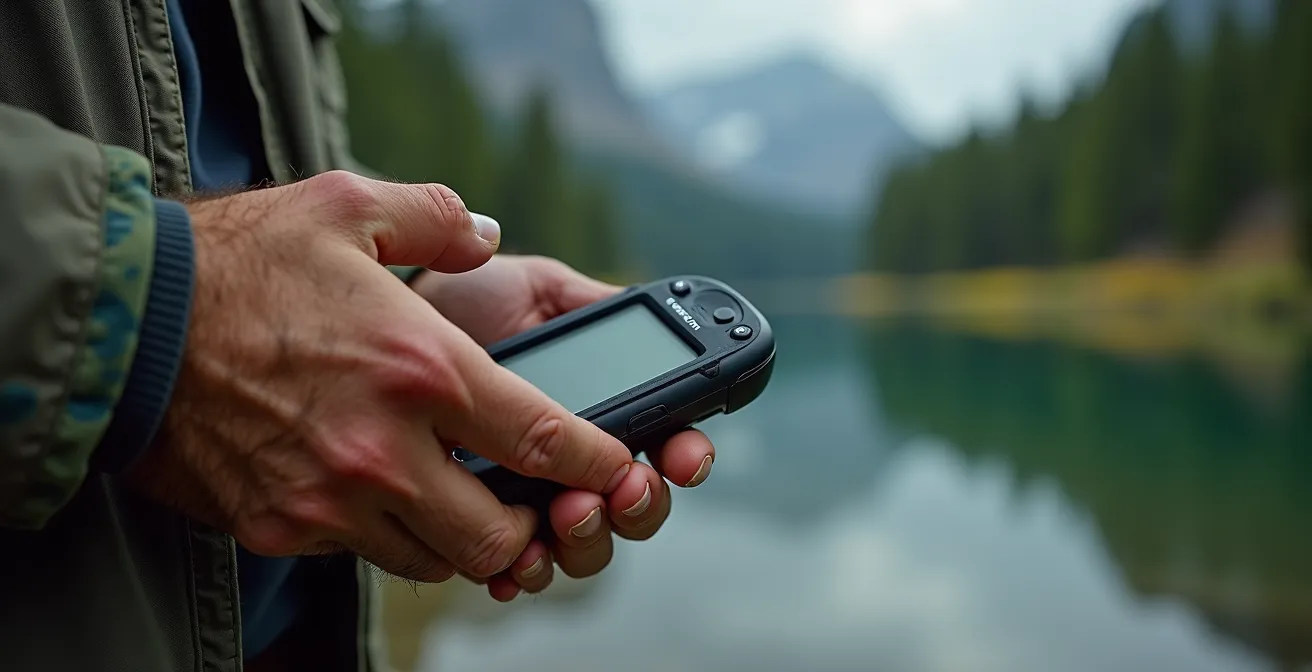
For city navigation, Google Maps is king. For a remote fishing trip in the Monts-Valin, it’s a liability. The distinction comes down to design philosophy and data depth. Google Maps is a cellular-first application designed for navigating a world of paved roads and abundant data coverage. Its offline maps are a feature, not its core function, and are often limited in detail and geographic area. A dedicated handheld GPS unit, like those from Garmin, is a satellite-first tool built for a world with no cell service.
The difference becomes clear when you examine the type of data they provide. Google Maps shows you roads; a Garmin loaded with the right maps shows you the world. With specialized data like Backroad Mapbooks (BRMB), a dedicated GPS provides detailed topographical maps, showing elevation contours that are critical for understanding the terrain you’re hiking. It can display lake bathymetry, revealing underwater structures for fishing. It also contains a pre-loaded, searchable database of ZECs, pourvoiries, and thousands of kilometers of trails and resource roads that simply don’t exist on Google’s platform. Furthermore, the hardware itself is purpose-built: a phone’s battery will die quickly with the screen on, and many will shut down in the sub-zero temperatures common in Quebec, whereas a Garmin is built to run for over 20 hours and operate reliably in extreme cold.
This table highlights the crucial differences when you’re far from network coverage. As confirmed by resources like Backroad Mapbooks’ detailed GPS map data, a dedicated device isn’t just a convenience; it’s a fundamental piece of safety equipment tailored for the specific challenges of the Quebec wilderness.
| Feature | Google Maps | Garmin GPS |
|---|---|---|
| Topographical Maps | Basic elevation data | Detailed 1:20,000 scale maps |
| Lake Bathymetry | Not available | Depth contours for major lakes |
| ZEC & Pourvoirie POIs | Limited or missing | Pre-loaded database |
| Offline Functionality | Limited download area | Full province coverage |
| Battery Life | 4-6 hours active use | 20+ hours dedicated device |
| Cold Weather Performance | Phone shuts down below -20°C | Operates to -30°C |
The “No Service” Nightmare: Getting Lost Without Offline Maps
The nightmare scenario always begins the same way: a wrong turn, a missed sign, and the sudden realization that the blue dot on your phone’s map is frozen. The app can’t get a signal to reroute you, and you didn’t download the offline map for this specific, unplanned area. This moment of technological failure is where a simple drive becomes a potential survival situation. It is a stark reminder that convenience-based technology has no place in environments where reliability is a matter of safety. According to WhistleOut’s Quebec coverage analysis, major routes like Highway 117 through the La Vérendrye Wildlife Reserve have zero coverage from major providers like Rogers or Videotron, making this nightmare a very real possibility.
The expert approach is not just to have an offline map, but to have a protocol for when things go wrong. Before you even suspect you’re lost, you should know your position. This means capturing your location while you still have a signal or using your dedicated GPS to get a coordinate. A screenshot of the map with your marked location is invaluable. Modern tools like What3Words can provide a simple, three-word address for your exact location, which is easy to relay in an emergency.
If an actual emergency occurs, a smartphone is useless. This is where a satellite messenger like a Garmin inReach or SPOT device becomes the most important piece of gear you own. These devices do not rely on the cellular network. By holding an SOS button, you send a signal directly to a satellite, which is then routed to a global emergency response center. This message automatically includes your precise GPS coordinates, enabling local search and rescue to find you. Without this link, you are invisible and alone. While waiting for help, the priority becomes staying visible and conserving power—putting your phone on airplane mode and using your satellite device only for pre-arranged check-ins.
How to Plan an EV Road Trip to Gaspé Using Better Route Planner?
The “dead zone” challenge is evolving. For electric vehicle owners, the fear isn’t just about getting lost, but about running out of power miles from the nearest charger. Planning an EV road trip to a region like the Gaspé Peninsula, especially in winter, requires the same data-driven, satellite-first mindset as traditional backcountry navigation. The advertised range of your EV is a best-case scenario, not a guarantee. Real-world factors like cold temperatures, headwinds along the coast, and elevation changes in the Parc national de la Gaspésie can drastically reduce your actual range.
Tools like A Better Route Planner (ABRP) are the modern equivalent of a topographical map for EV drivers. They allow for a level of detailed planning that standard apps can’t match. However, just like a GPS, ABRP is only as good as the data and parameters you provide. An expert planner doesn’t just enter a destination; they modify the plan based on known local conditions. This means manually adjusting the vehicle’s expected consumption to account for the added energy drain of winter tires and heating. It means inputting the significant elevation changes of the Chic-Choc Mountains and factoring in the relentless coastal winds on Highway 132.
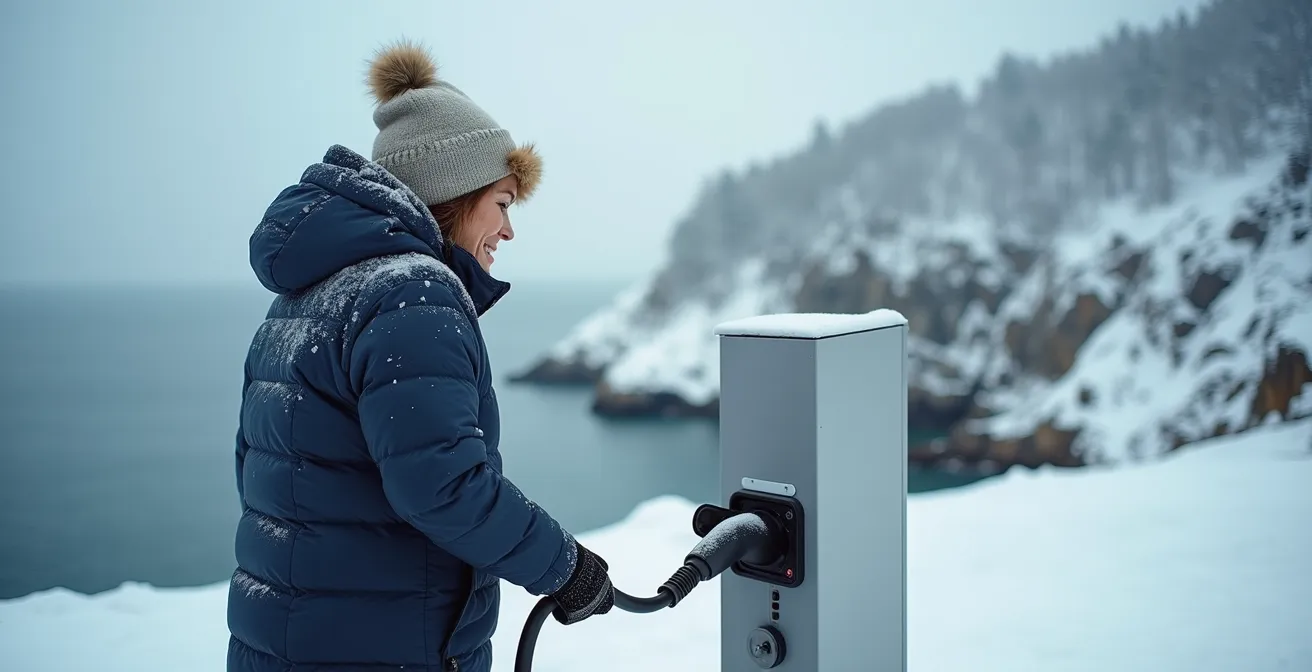
The most critical step is to treat charging stations like remote fuel depots: their operational status must be verified. Using community-driven apps like PlugShare is essential to get real-time reports from other drivers, but the ultimate confirmation is a direct phone call. Assuming a station is working and available 24/7 in the off-season is a rookie mistake that can leave you stranded.
Your Action Plan: Winter EV Planning Checklist for Gaspésie
- Apply the 40% Rule: Plan charging stops assuming you will only achieve 60% of your vehicle’s advertised range in cold Quebec winter conditions.
- Download Offline Maps: Before departure, download offline maps for your entire route, including several alternate charging locations, in case your primary choice is unavailable.
- Set Consumption Modifier: In your route planner, set the consumption modifier to at least +30% when planning legs along the windy Highway 132 coastline.
- Add Elevation Penalty: Factor in an additional elevation penalty of +15% or more when your route crosses the mountainous terrain of Parc national de la Gaspésie.
- Identify Backup Chargers: Use the PlugShare community app to identify and note down Level 2 chargers at local inns or businesses as backups to DC fast chargers.
- Pre-call Stations: Always call charging stations ahead of time, especially in smaller towns, to confirm their winter hours and that they are fully operational.
How to Use GPS Coordinates to Find a Cottage That Has No Address?
In many parts of Quebec, traditional street addresses are a luxury. Cottages, hunting camps, and remote properties are often located on unmapped private roads and identified only by a kilometer marker (e.g., “Km 34, Chemin du Nord”) or, increasingly, by a set of GPS coordinates. For someone relying on Google Maps, this presents a major problem. You can’t type “Km 34” into a search bar and expect an accurate result. This is where understanding and using raw GPS coordinates becomes an essential skill, not a novelty.
The process involves a multi-step, digital-to-visual methodology. First, you must understand that coordinates come in different formats. While most apps use Decimal Degrees (DD), you might receive coordinates in Degrees Minutes Seconds (DMS) or another format from an older map or device. Knowing how to recognize and convert them is crucial. The second step is to use the coordinate to find the general area on a satellite map. You don’t just navigate to the pin; you use the pin as a starting point for a visual search. By tracing unmapped dirt roads from the nearest known, searchable landmark (like a town or a major highway intersection), you can visually identify the property on the satellite image and then drop a new, more accurate pin on the target building or driveway.
This hands-on approach is the only reliable method for locating properties that don’t officially exist in digital map databases. The following table provides a quick guide to the most common coordinate formats you’ll encounter.
| Format Type | Example (Same Location) | Used By |
|---|---|---|
| Decimal Degrees (DD) | 46.8139, -71.2080 | Google Maps, most apps |
| Degrees Minutes Seconds (DMS) | 46°48’50.0″N 71°12’28.8″W | Traditional maps, aviation |
| Degrees Decimal Minutes (DDM) | 46°48.833’N 71°12.480’W | Marine navigation |
| UTM | 19T 332584 5185967 | Topographical maps |
The Moose Collision Risk: Driving Highway 175 at Night
Driving in remote Quebec, especially at night, introduces risks that go beyond navigation. Highway 175, the main artery connecting Quebec City to the Saguenay–Lac-Saint-Jean region, is notorious for moose collisions. The danger is not just the impact itself, but what happens immediately after: you are likely in a cellular dead zone, possibly injured, with a disabled vehicle in the middle of the wilderness. Data from the CRTC indicates that roughly one-fifth of Quebec’s national highways lack LTE service, turning a mechanical problem into a serious safety incident.
In this scenario, your smartphone is reduced to a flashlight. Your ability to call for help depends entirely on having a non-cellular communication device. Activating the SOS function on a satellite messenger is the first and most critical action if injuries are serious. This single action transmits your exact location to emergency services. Without it, you are reliant on the slim chance of a passing vehicle stopping to help. The wait for that vehicle can be long and uncertain, especially late at night.
Your post-collision priorities must shift from communication to visibility and safety. If it is safe to exit the vehicle, deploying emergency triangles or flares well behind your car is crucial to warn oncoming traffic. If you remain with the vehicle, using the horn in the universal SOS pattern (three short blasts, three long, three short) can signal distress. Anything you can do to make your vehicle more visible, like tying brightly colored cloth to the antenna, increases your chances of being seen. This situation brutally underscores the core principle of remote travel: you cannot count on a network; you can only count on your preparation and your equipment.
How to Plan Fuel Stops on the Trans-Labrador Highway Without Running Dry?
The Trans-Labrador Highway represents one of the ultimate tests of remote travel planning in North America. Stretches between fuel stations can be hundreds of kilometers long, and “running on fumes” is not an option. Here, the expert mindset moves beyond simple navigation to logistical resource management. The most critical calculation is your vehicle’s “Point of No Return”—the maximum distance you can travel from a fuel station before you no longer have enough fuel to make it back to that same station.
This is calculated with a simple formula: (Tank capacity ÷ 2) × Fuel efficiency – 25% safety reserve = maximum one-way distance. For example, with a 60L tank and consumption of 10L/100km, your halfway point is 30L, good for 300km. Subtracting a 25% safety margin (75km) gives you a point of no return of 225km. This disciplined calculation replaces hopeful guesswork with mathematical certainty. You must also carry extra fuel in approved jerry cans, with enough capacity to provide at least a 400km safety buffer, and verify the operating hours of every single gas station by phone before you depart.
This reliance on self-sufficiency and proven, independent technology is a stark contrast to the consumer trend of network-dependent solutions. As Dean Proctor, a director at Eeyou Mobility, pointed out in The Globe and Mail, while consumers naturally prefer terrestrial networks for their perceived reliability, this preference is a liability where no such network exists. He states:
Generally, consumers will choose a cell network that relies on terrestrial networks over satellite if one is available, because they tend to be more reliable
– Dean Proctor, Eeyou Mobility co-director, The Globe and Mail
On the Trans-Labrador, a satellite network for communication is the only reliable option, and meticulous fuel planning is the only reliable navigation strategy.
Key Takeaways
- Cellular-dependent navigation (like Google Maps) is fundamentally unreliable in Quebec’s vast remote areas; a satellite-first strategy is required.
- Dedicated GPS devices offer superior topographical data, cold-weather performance, and independence from cellular networks, making them essential safety equipment.
- Expert planning involves verifying map data, calculating points of no return for fuel/EV range, and having a non-cellular emergency communication plan (e.g., a satellite messenger).
Is the Subscription Model for Heated Seats Coming to Canada?
The “dead zone” problem is no longer just about navigation and communication; it’s beginning to infect the core functions of our vehicles. The automotive industry’s push towards subscription-based features—like heated seats, remote start, and enhanced performance modes—introduces a new and insidious point of failure. These features often require a periodic “handshake” with the manufacturer’s servers over a cellular network to verify an active subscription. If your car is parked for an extended period in a dead zone, like a hunting camp in Nord-du-Québec, these essential comfort and safety features can simply stop working.
This isn’t a hypothetical problem. Case studies from sites like DeadCellZones.com show that while major providers offer extensive population coverage, vast geographic areas remain without service. Imagine returning to your vehicle in -30°C weather only to find your subscription-based remote starter has been deactivated because it couldn’t connect to a server. This transforms a subscription issue into a genuine safety concern, as pre-heating the engine and cabin can be essential for both vehicle operation and human survival in extreme cold.
Case Study: Remote Start Failures in Quebec Winter
Drivers in remote Quebec regions report that subscription-based remote start features, which rely on Bell or Telus networks, become unusable during multi-day trips in areas with no cell coverage. When temperatures drop below -30°C, the inability to pre-heat the engine via the app creates a significant safety risk, as the vehicle may not start manually. This highlights a critical flaw in tying essential cold-weather features to network connectivity.
The expert response is to maintain independence from the network at all costs. This means actively choosing vehicle trims that include features permanently, not as services. It involves installing aftermarket remote starters that use a dedicated, long-range radio frequency (RF) remote, not a smartphone app. It also means retaining a simple, non-connected backup like a plug-in block heater for overnight parking. As vehicles become more connected, the principle of satellite-first navigation must expand to a broader philosophy of mechanical self-reliance.
For any traveler venturing into the beautiful but unforgiving wilderness of Quebec, the path to safety is clear. It requires abandoning the assumption of connectivity and embracing a strategy of true self-reliance, backed by the right tools and meticulous planning. Your next step is to assess your current equipment and fill the gaps before your next trip.